Find the spots where phones go quiet
Turn “no signal in here” into evidence carriers act on.
Shoppers, tenants and staff report poor mobile coverage by scanning a QR poster. MuteSpot maps every report on your floor plan and builds the per-carrier evidence behind indoor coverage decisions.
Free for landlords. Anonymous for everyone who reports.
New alert · Food court
11 people in 24 hours. Optus 9, Telstra 1, TPG 1.
Complaints about signal disappear. Evidence doesn't.
When phones fail indoors, shoppers can't pay, call or find each other, and tenants lose sales. The complaint goes to a counter, a tenant or a social post, and stops there. Carriers and neutral hosts decide where to improve indoor coverage on evidence of demand. MuteSpot collects that evidence where the problem happens.
How it works
- 1
Posters go up where signal fails
A QR poster in each problem spot: car park lifts, the food court, back-of-house. Each poster knows exactly where it is.
- 2
People report in 15 seconds
Scan, pick your provider and what’s wrong, send. No app or sign-up. With no signal at all, the report waits on the phone and sends later.
- 3
Evidence builds on the floor plan
Reports become a live heatmap by carrier and problem, spike alerts, and an evidence report for each carrier.
Built for everyone who owns the problem
Neutral hosts
Show carriers the demand before you ask them to join.
- Per-carrier, zone-level reports from real customers
- Evidence reports ready to attach to a carrier proposal
- Track a building before and after a system goes in
Landlords and centre managers
Free for your centre. Turn complaints into action.
- A clear answer for shoppers and tenants: “scan the poster”
- Alerts when a spot suddenly gets worse
- Evidence to back a coverage upgrade at your site
Carriers
See where your customers struggle indoors.
- Reports on your network only, shared by the centre
- Network confirmed from the phone’s connection
- Speed tests and problem types for each zone
What you get
Floor-plan heatmap
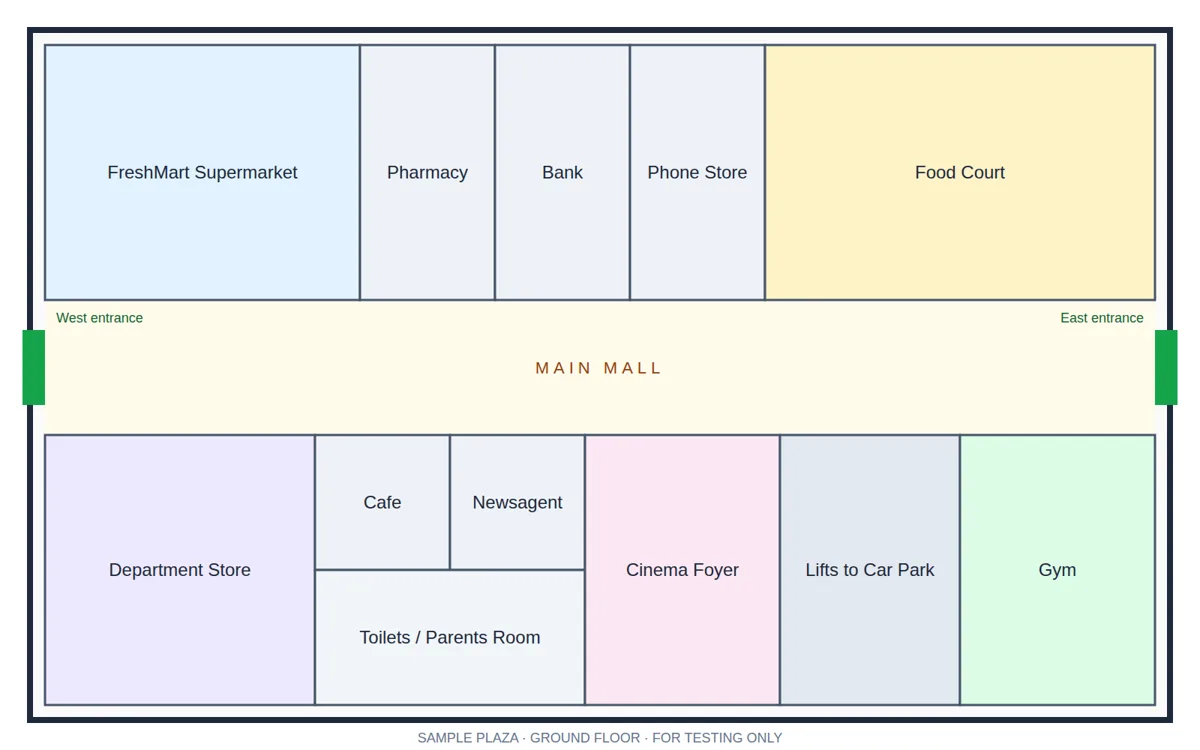
Every zone on your own floor plan, filtered by carrier, problem and date.
Spike alerts
An email when many people report one spot, with a likely cause: one carrier, or the building.
Per-carrier evidence
A print-ready report for each carrier: trend, worst zones, speed tests and comments.
Works with no signal
Reports made in a dead spot are saved on the phone and sent when signal returns.
No QR needed
Regular visitors can add MuteSpot to their home screen. It finds the centre by GPS.
QR posters in minutes
Place zones on the plan and print a poster for each one, ready to put up.
Evidence you can stand behind
Crowdsourced reports are only useful if they hold up. Every report is checked before it counts.
Read the privacy noteNetwork confirmed
The carrier is checked against the phone’s actual connection, not just what someone taps.
People, not clicks
Counts different people, and limits repeat reports from one phone.
Contradictions flagged
A “no signal” report with a fast speed test is marked as weaker evidence.
Anonymous by design
No names, numbers, emails or internet addresses are stored.
Start with a 30-day pilot at one centre
We place the zones on your floor plans, put up the posters and set up alerts. After 30 days you get the full evidence report and a review of what it shows.
Book a pilotOr email solutions@bfrtech.com.au